Clean up and prepare designs in seconds with Design Grabber
Design Grabber is an online AI image-editing app for graphic designers and sublimation printers. Convert 3D mockups into ready-to-print designs, remove text, logos and backgrounds, upscale, vectorize and create mockups, all in your browser.
In a span of a year, Design Grabber has evolved intoa complete sublimation studio
From one 3D-to-2D converter to AI tools, AutoSizers, AutoLayout and plugins for Photoshop, CorelDRAW and Illustrator. Watch the journey.
Click any video to watch it full screen
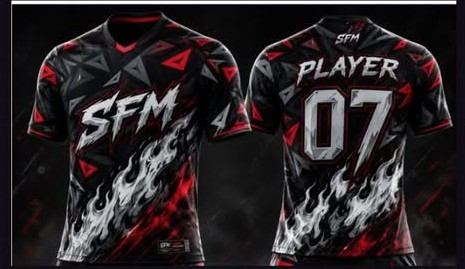
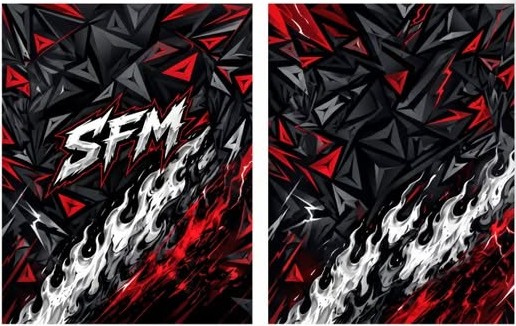
From 3D mockup to print-ready 2D
Upload a jersey mockup and get flat, rectangular, high-resolution panels ready for sublimation printing.
 ✓ PRINT READY
What you can do
Each tool uses credits from your account. Buy credits once and use them on any tool.
 ● new
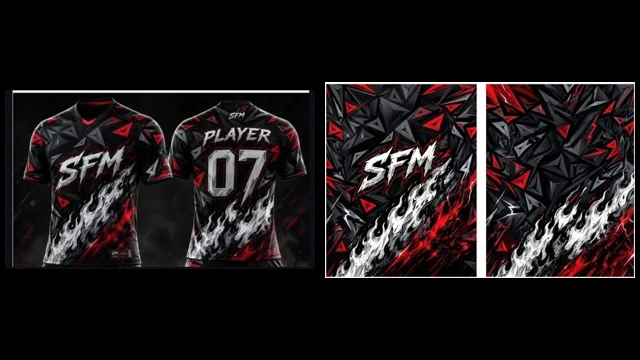
Convert 3D mockup to printable 2D
Turn a 3D jersey or apparel mockup into flat, rectangular, high-resolution 2D artwork ready for sublimation printing. Names, numbers and logos can be removed in the same step.
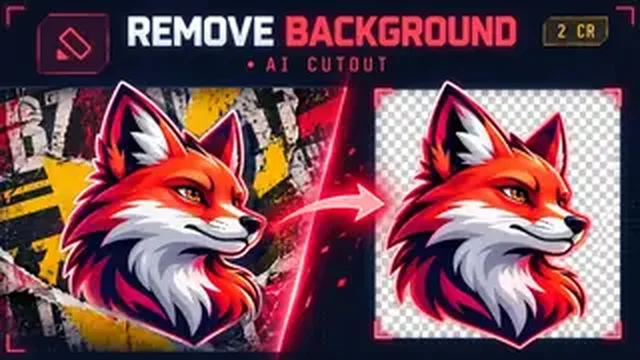
Remove objects & backgrounds
Erase unwanted objects or cut out the background in one click for a clean, print-ready file.
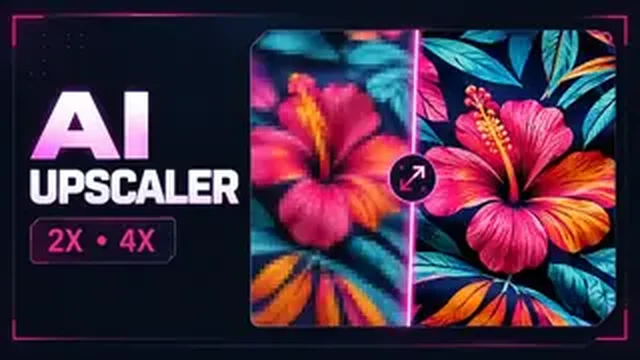
AI upscale
Turn small or blurry images into sharp, high-resolution files suitable for sublimation printing.
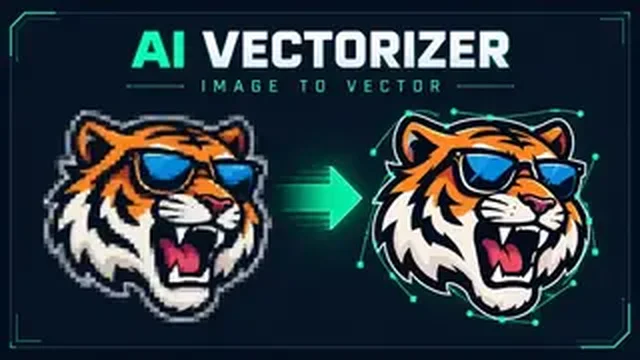
Vectorize
Convert raster artwork into clean vector shapes you can scale and edit in CorelDRAW or Illustrator.
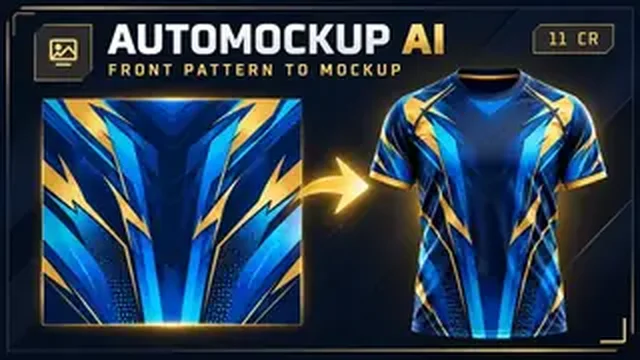
AI mockups
Place your design on realistic jersey, shirt and product mockups to show clients before printing.
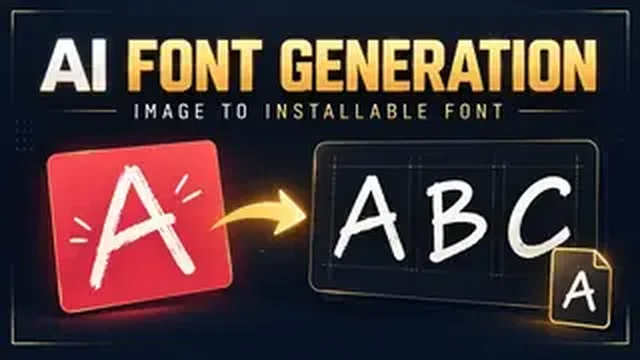
AI font generation
Upload a photo of lettering and get a real, installable TTF font with a full set of letters and numbers, ready for jersey names and numbers in CorelDRAW, Photoshop or Illustrator.
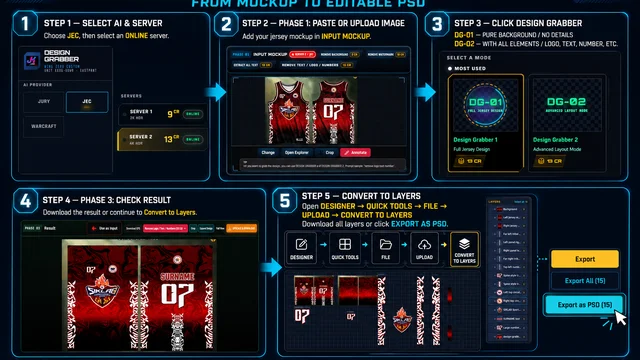
Layer extraction
Split a flat design or mockup into separate layers for faster editing.
 ● new
AutoLayout →
Upload your design and your pattern PDF - AutoLayout generates the panels and fits them into every piece, then gives you a layered PSD or PDF ready to print.
Automation Package:
2000 credits + 3 AutoSizing tools
& Photoshop AutoSizing
2000 Design Grabber credits · one design, every jersey size · Windows
Get the package →Automation tools
AutoSizing for Photoshop, CorelDRAW and Illustrator: one design, every jersey size, done for you. All three come free with the ₱2,000 Automation Package (2000 credits) and with Big Bomb.
Photoshop AutoSizing
Resize one jersey design into every size automatically inside Adobe Photoshop, so a full size run takes minutes instead of hours.
CorelDRAW AutoSizing
Resize one jersey design into every size automatically inside CorelDRAW, so a full size run takes minutes instead of hours.
Illustrator AutoSizing
Resize one jersey design into every size automatically inside Adobe Illustrator, so a full size run takes minutes instead of hours.
Desktop plugin
Bring Design Grabber into the apps you already design in. Install the plugin, sign in with your Design Grabber account, and run the AI tools without leaving your file.
Design Grabber for Photoshop
Use Design Grabber AI tools directly inside Photoshop: clean up mockups, upscale and send results straight to your document. Layers land in your open document.
Download for PhotoshopDesign Grabber for Illustrator
Use Design Grabber AI tools directly inside Illustrator: clean up mockups, upscale and send results straight to your document. Vector results drop onto your artboard.
Download for IllustratorDesign Grabber for CorelDRAW
Use Design Grabber AI tools directly inside CorelDRAW: clean up mockups, upscale and send results straight to your document. Version 1.2.7.
Download for CorelDRAWAutoLayout Desktop App
Turn your pattern and mockup into a ready-to-print layout PDF automatically, every panel placed for you, right on your PC.
Windows may show a SmartScreen warning the first time; click More info then Run anyway.
How it works
From 3D mockup to print-ready file in four steps. Watch it in action.
Pricing
Simple credit packs. Pay once, no subscription.
Starter
Try the tools on a few designs.
- 200 credits
- 13 background designs
- or 13 As-Is designs (with details)
- on Jury Server 2 · 4K (15 CR each)
- or 6 AutoLayout full jerseys
- or 13 AutoLayout front + back
- AUTO-LAYOUT: 30 CR with sleeves, 15 CR front + back
- All AI tools included
- Credits never expire
- High-resolution downloads
Standard
For regular design cleanup work.
- 500 credits
- 33 background designs
- or 33 As-Is designs (with details)
- on Jury Server 2 · 4K (15 CR each)
- or 16 AutoLayout full jerseys
- or 33 AutoLayout front + back
- AUTO-LAYOUT: 30 CR with sleeves, 15 CR front + back
- All AI tools included
- Credits never expire
- High-resolution downloads
Pro
For busy print shops and studios.
- 1,000 credits
- 66 background designs
- or 66 As-Is designs (with details)
- on Jury Server 2 · 4K (15 CR each)
- or 33 AutoLayout full jerseys
- or 66 AutoLayout front + back
- AUTO-LAYOUT: 30 CR with sleeves, 15 CR front + back
- All AI tools included
- Credits never expire
- High-resolution downloads
Studio
Best for teams and high volume.
- 2,000 credits
- 133 background designs
- or 133 As-Is designs (with details)
- on Jury Server 2 · 4K (15 CR each)
- or 66 AutoLayout full jerseys
- or 133 AutoLayout front + back
- AUTO-LAYOUT: 30 CR with sleeves, 15 CR front + back
- All AI tools included
- Credits never expire
- High-resolution downloads
- Pattern package included
- Auto-sizing for CorelDRAW, Photoshop & Illustrator
Big Bomb
The full package: every AutoSizer, mockups and all patterns.
- 3,000 credits
- 200 background designs
- or 200 As-Is designs (with details)
- on Jury Server 2 · 4K (15 CR each)
- or 100 AutoLayout full jerseys
- or 200 AutoLayout front + back
- AUTO-LAYOUT: 30 CR with sleeves, 15 CR front + back
- All AI tools included
- Credits never expire
- High-resolution downloads
- AutoSizer for CorelDRAW, Photoshop & Illustrator
- With mockups
- All patterns included
Prices in Philippine pesos (PHP) for GCash / QR Ph. International customers pay by card or PayPal; USD amounts are estimates at ₱63 = US$1, and your bank or PayPal shows the exact amount. All products are digital; nothing is shipped.
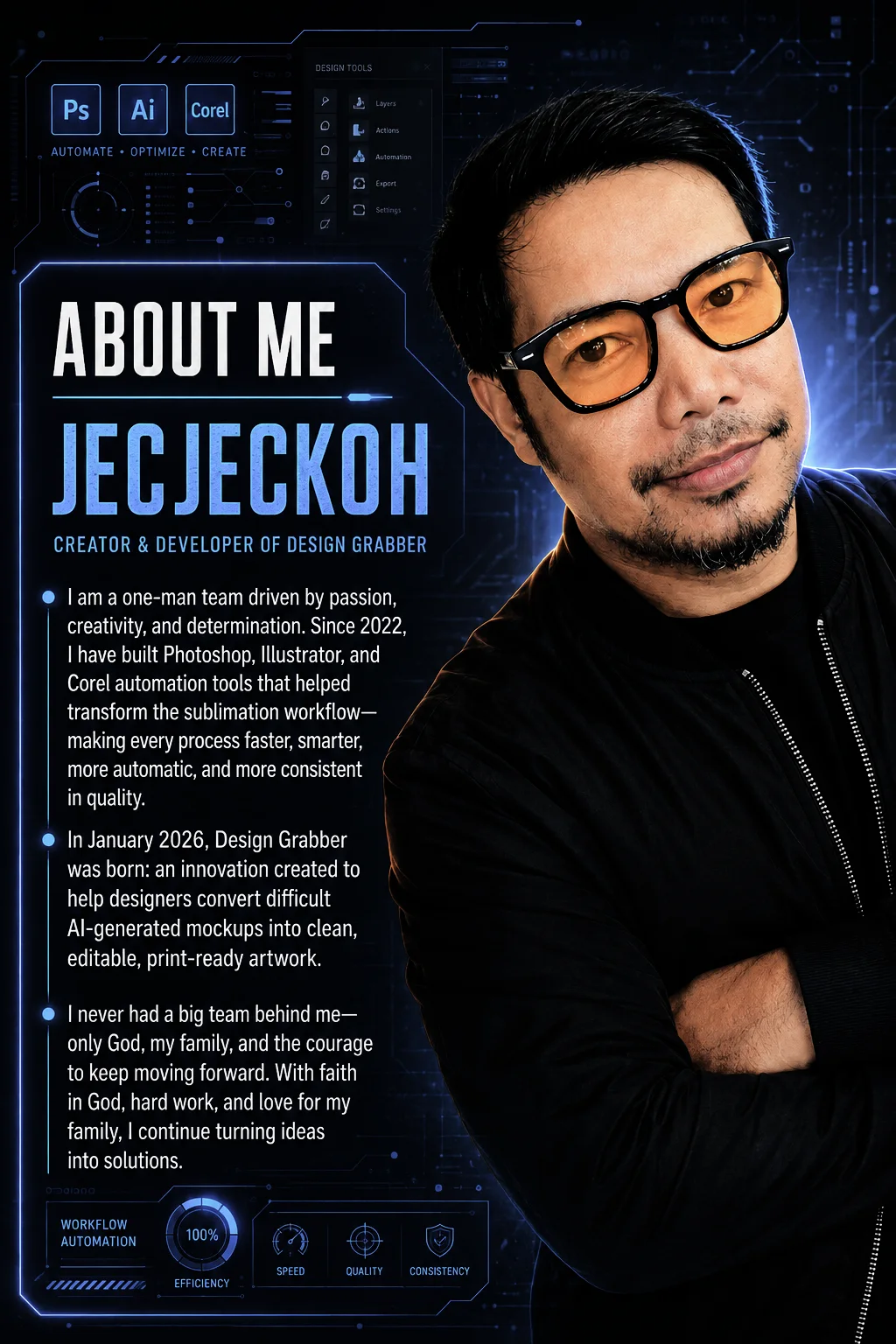
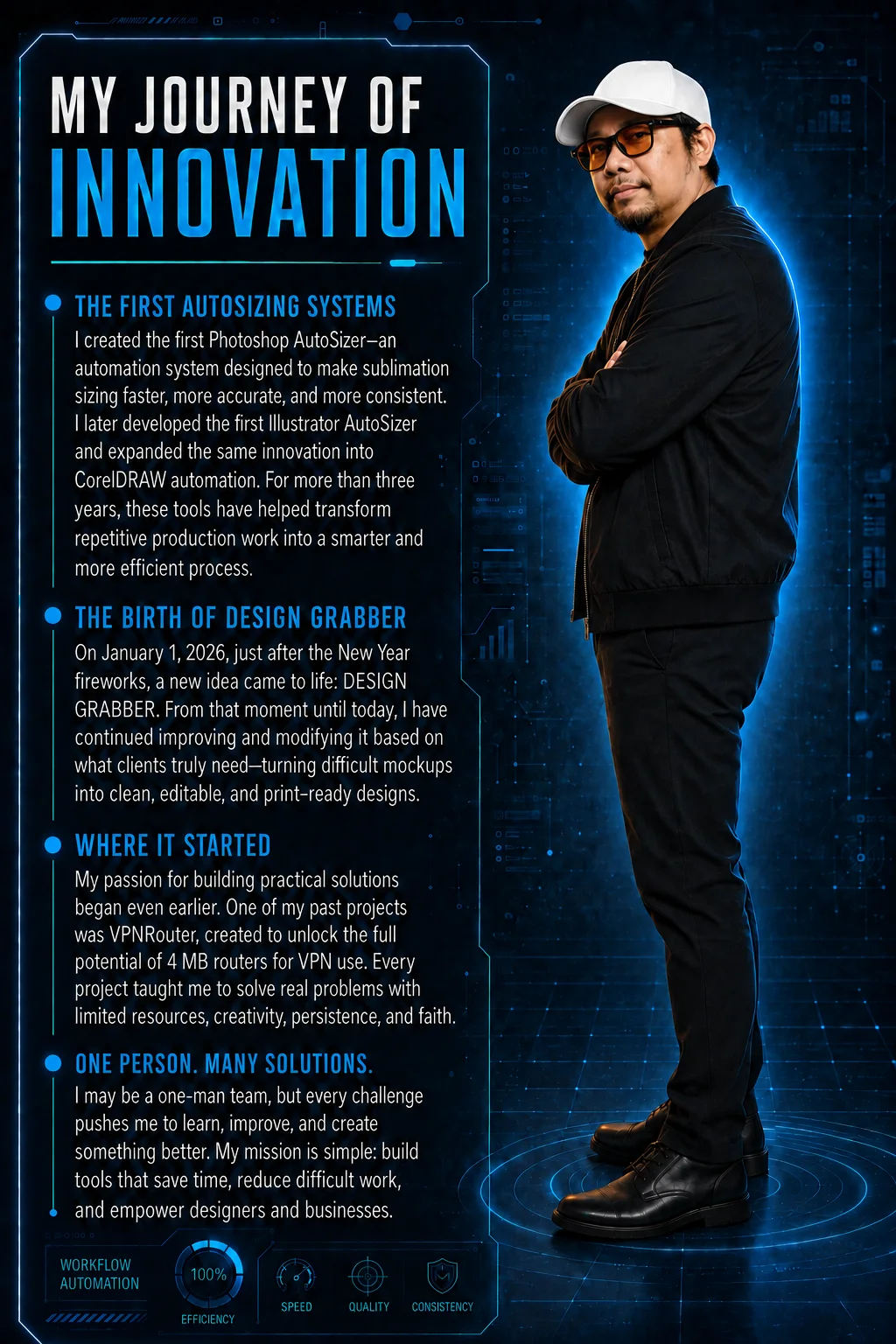
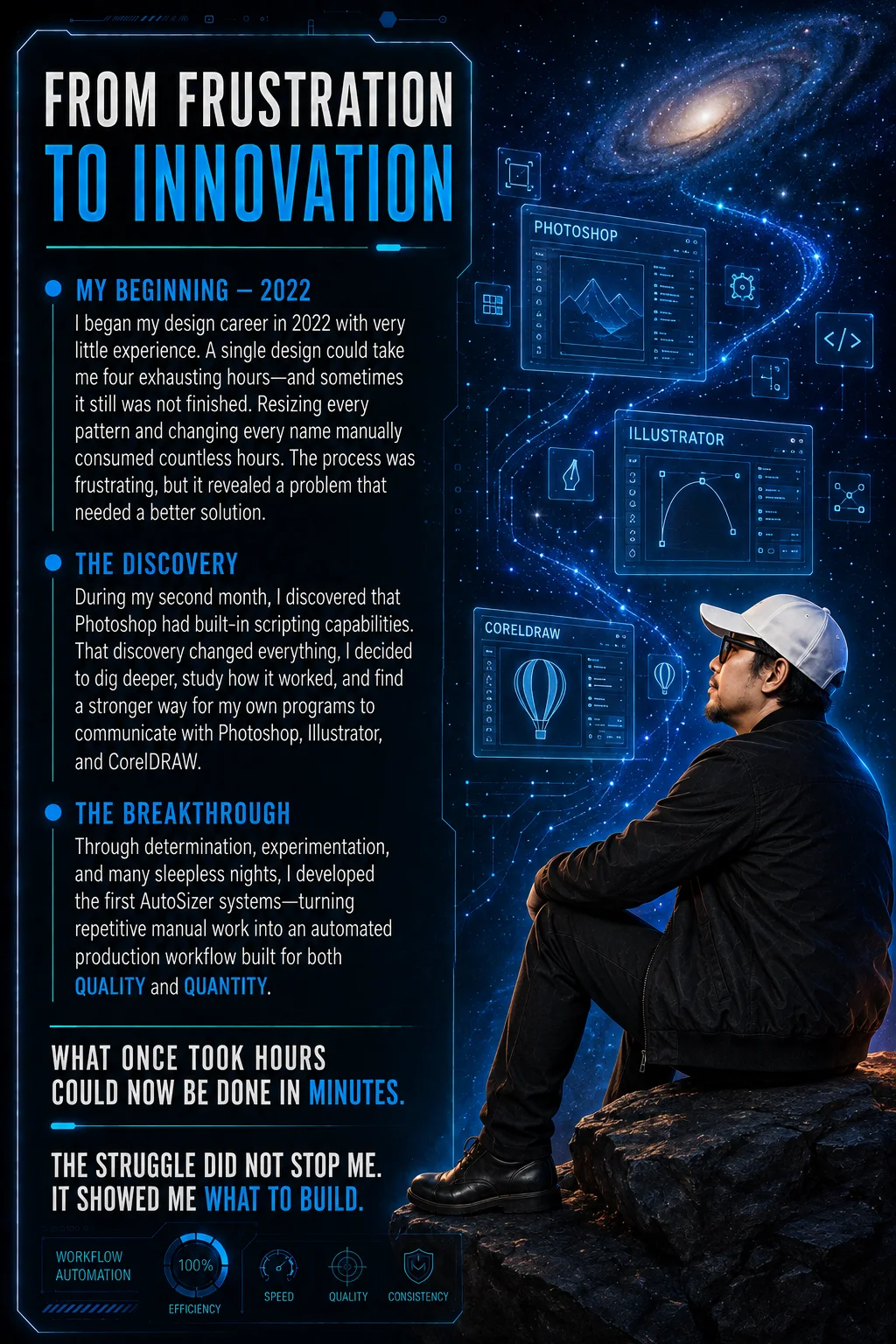
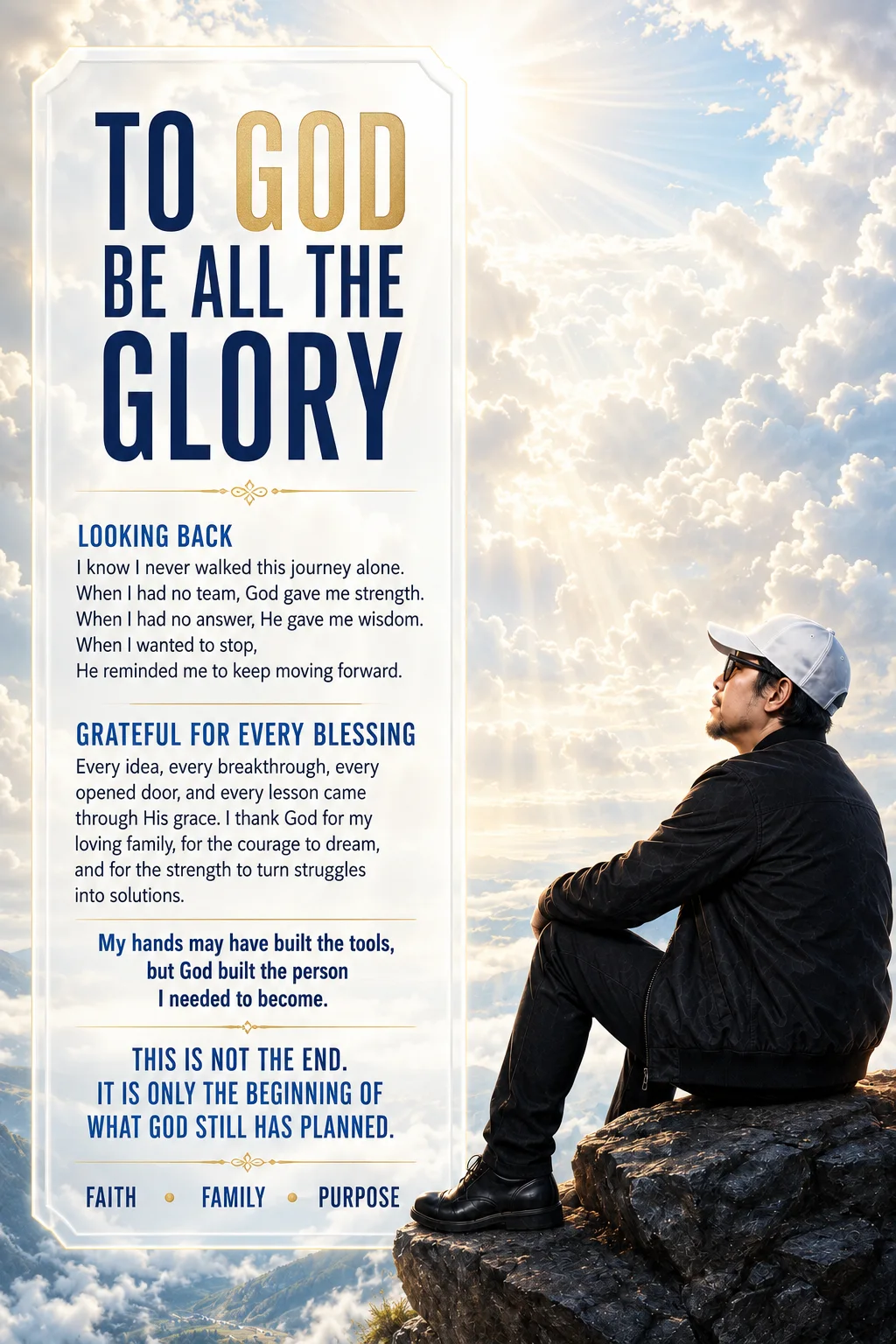
About Design Grabber
One person, one workflow problem, and the tools built to solve it. Click any panel to read it full size.